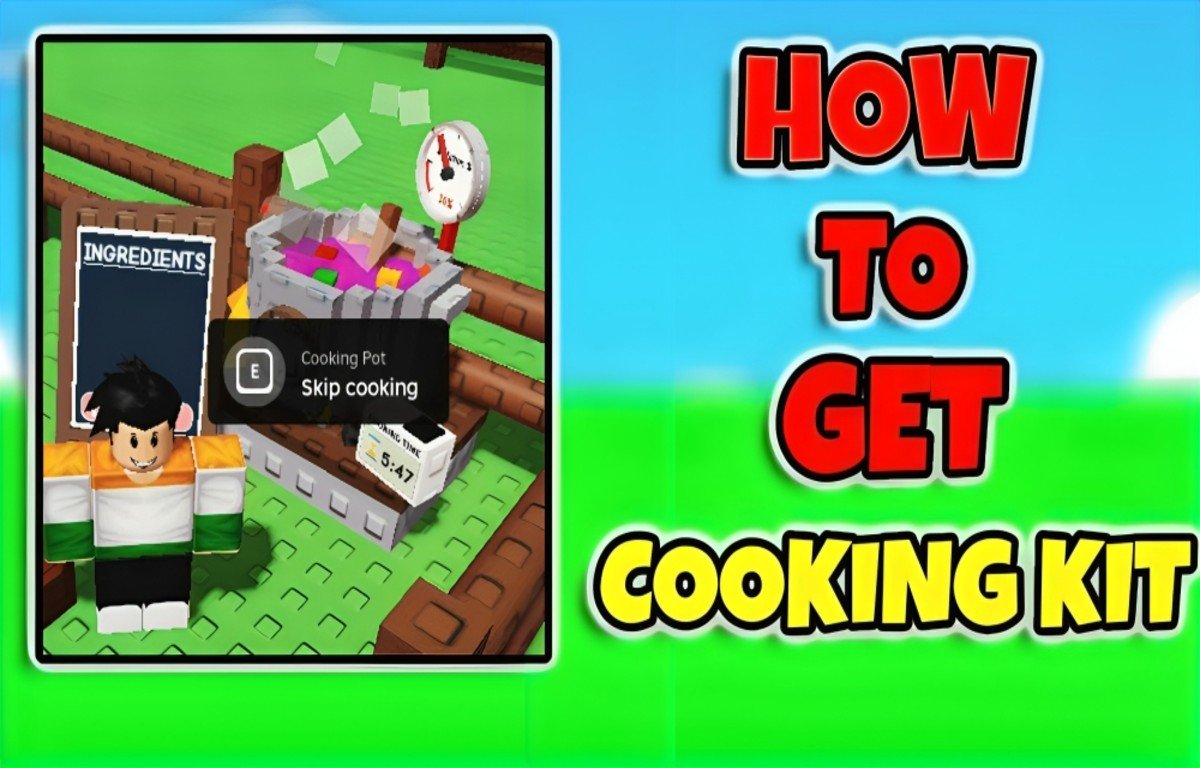
To get the Cooking Kit in Grow a Garden, open your Garden Guide, go to the Achievements tab, and complete every Common Achievement — Shovel 100 Plants, Harvest 200 Carrots, Gift 1 Carrot, Sell 500 Strawberries, and Gift 5 Strawberries. Claim your reward, and the Cooking Kit lands directly in your Cosmetics inventory, ready to place in your garden.
If you’ve been searching “how to get cooking kit in GAG” or wondering why cooking suddenly disappeared from the middle of the map, you’re not alone. Grow a Garden reworked its cooking system after the Cooking Event ended, and the public cauldron next to Chris P. Bacon is gone for good. In its place is a personal, placeable cosmetic called the Cooking Kit, as confirmed in TheGamer’s unlock and use guide — and this guide walks through exactly how to unlock it, place it, use it, and fix it when it stops responding.
🌱 Planning your next harvest while you farm those achievements? Use the free Grow a Garden Calculator to work out crop values, mutation odds, and sell prices before you commit your Strawberries and Carrots to the Cooking Kit grind.
What Is the Cooking Kit in Grow a Garden?
The Cooking Kit is a Prismatic-tier cosmetic item introduced when the Beanstalk Event replaced the temporary Cooking Event cauldron with a permanent, personal cooking station. As IGN’s Cooking Kit wiki entry explains, every player now places their own Cooking Kit inside their private garden plot and cooks there whenever they like, instead of walking to the center of the map.
Cooking itself didn’t go away — only the location did. Anything you could make in the old event pot (burgers, smoothies, cakes, and more) you can still make in the Cooking Kit, and the developers have confirmed cooking is a permanent part of the game going forward.
How to Unlock the Cooking Kit in Grow a Garden
The Cooking Kit isn’t purchased from the Cosmetics Stall, and there’s no shortcut or code that hands it to you. It’s an achievement reward tracked inside the Garden Guide. Here’s the full process:
Step 1: Open Your Garden Guide
Pull up your inventory and open the Garden Guide item, then switch to the Achievements tab. This is separate from standard Roblox badges — it’s an in-game tracker specific to Grow a Garden.
Step 2: Complete All Common Achievements
The fastest route to a Cooking Kit is finishing every task in the Common achievement tier. These five objectives are:
- Shovel 100 Plants
- Harvest 200 Carrots
- Gift 1 Carrot
- Sell 500 Strawberries
- Gift 5 Strawberries
None of these require rare crops or advanced strategy, which is why the Common tier is the recommended starting point if your only goal is unlocking cooking.
Step 3: Claim Your Reward
Once every Common Achievement shows as complete, hit Claim Rewards inside the Garden Guide. The Cooking Kit appears automatically in your Cosmetics inventory — no extra confirmation screen, no separate mailbox to check.
Step 4 (Optional): Farm Rare and Mythical Achievements for Extra Kits
You aren’t limited to one Cooking Kit. Completing the Rare achievement set (17 objectives, including harvesting 500 mutated crops) and the Mythical set each reward an additional Cooking Kit, for a maximum of three placed at once. These tiers take considerably longer, so treat them as a long-term goal rather than a requirement — the Common tier alone is enough to start cooking.
How to Use the Cooking Kit in Grow a Garden Roblox
Once the Cooking Kit is sitting in your Cosmetics inventory, using it takes just a few steps.
- Open the Cosmetics menu. On PC, press B or click the hammer-and-wrench icon.
- Select the Cooking Kit from your cosmetics list and place it inside your own garden plot.
- Add ingredients. Interact with the placed kit the same way you used the old cauldron — drop in crops to fill out a recipe.
- Check the ingredient board. The Cooking Kit displays your current ingredients, the mutation chance for the finished dish, and a cook timer, exactly like the event version did.
- Cook and collect. Once the timer finishes, collect your food item to sell, gift, feed to pets, or use toward achievements and NPC friendship goals.
If you own the Gorilla Chef pet, it will automatically interact with the Cooking Kit the same way it worked with the old Cooking Pot or Cooking Cauldron, so you don’t need to babysit every batch.
Recipe tip: Many dishes have a fixed “base.” Sushi, for example, always needs Corn and Bamboo, while HotDogs need Corn plus one of Pepper, Ember Lily, or Cactus. Cook a small batch first if you’re testing a new recipe — that way you’re not risking a full stack of high-value crops on a guess.
How to Cook in Your Garden in Grow a Garden
Cooking now happens entirely on your own plot instead of the public map, and that’s the biggest change players need to adjust to:
- You can no longer cook at the center of the map — the shared cauldron next to Chris P. is gone.
- The Cooking Kit must be placed fully inside your own garden, not on a border, path, or overlapping another cosmetic.
- Every player cooks independently, which means no more competing for space around one NPC.
- Finished food still has real value beyond flavor text — it converts to sheckles when sold, counts toward newer achievements, feeds pets, and can be traded to certain NPCs for friendship rewards. Cooking Corn Dogs and crafting them into a Pet Pouch, for instance, is one of the more efficient ways to add pet inventory slots.
Before you feed rare crops into a recipe, it’s worth checking what they’re actually worth raw. The Grow a Garden Calculator lets you plug in your crop, weight, and mutation to see its sell value instantly — handy for deciding whether a crop is better sold as-is or turned into food first.
Grow a Garden Cooking Kit Not Working? Try This
If your Cooking Kit is placed but won’t let you interact with it, the issue is almost always placement or a temporary bug. Work through these fixes in order:
- Move it fully inside your plot. Kits placed on the edge of your garden, on a path, or overlapping another item frequently fail to register the interaction prompt. Drag it toward the center of an open tile.
- Try a spare kit. If you’ve completed Rare or Mythical achievements and have extra Cooking Kits, place a second one — sometimes only one copy is affected.
- Rejoin the server. A simple server hop or game restart clears a lot of interaction glitches tied to recently placed cosmetics.
- Wait for a hotfix. Grow a Garden ships frequent updates, and cooking-related bugs are common right after a patch. If the issue is widespread, the developers typically push a fix within a day or two.
- Log each food once. If your Recipe Book looks incomplete or ingredients aren’t registering, cook and collect one of each dish at least once — this populates the “All Plants” recipe section and can resolve display bugs tied to unseen recipes.
Frequently Asked Questions
Can I buy the Cooking Kit in the Cosmetics Stall?
No. It’s exclusively an achievement reward from the Garden Guide, not a purchasable item.
How many Cooking Kits can I have?
Up to three — one from Common Achievements, one from Rare, and one from Mythical.
Is cooking still available after the Cooking Event ended?
Yes. The developers confirmed cooking is a permanent feature; it just moved from the public map cauldron into the personal Cooking Kit cosmetic.
Why won’t my Cooking Kit let me add ingredients?
It’s almost always a placement issue — move the kit fully inside your plot, away from edges, paths, or overlapping decorations.
Does the Gorilla Chef pet work with the Cooking Kit?
Yes, it interacts with the Cooking Kit automatically, the same way it did with the original Cooking Pot and Cooking Cauldron.
Final Thoughts
The Cooking Kit turned what used to be a shared, event-limited feature into a permanent part of every player’s garden. Once you clear the five Common Achievements, unlocking it takes minutes — the real time investment comes from deciding whether to chase Rare and Mythical tiers for backup kits. Get your first Cooking Kit placed, learn the recipe bases, and cooking becomes one more steady source of sheckles, pet food, and friendship rewards in Grow a Garden.
🧮 Work Out Your Best Move Before You Cook
Not sure if a crop is worth more sold raw, gifted for an achievement, or cooked into a dish? The Grow a Garden Calculator breaks down real-time crop values, mutation multipliers, and sell prices so you can plan your harvest around the Cooking Kit grind instead of guessing. It’s free to use and built specifically for Grow a Garden players.